A quick way in
Try a quick CW session
Start immediately without creating an account.
Recently opened and favourited on this browser.
Choose a focused first step now, then return whenever you are ready.
These shortcuts are stored only in this browser.
A quick way in
Start immediately without creating an account.
Recommended next
Answer three short questions for a focused route.
Protect a few realistic practice blocks, then compare them with time recorded by your trainers.
Loading this week…
Loading your practice plan…
Choose recurring days, a realistic time block, and the trainer you want ready. You can change any day later.
Hear your first characters. Find your sending rhythm. Work your next pileup. A whole world of CW practice, in your browser.
New to Morse? Start without an account. Sound plays when you’re ready.

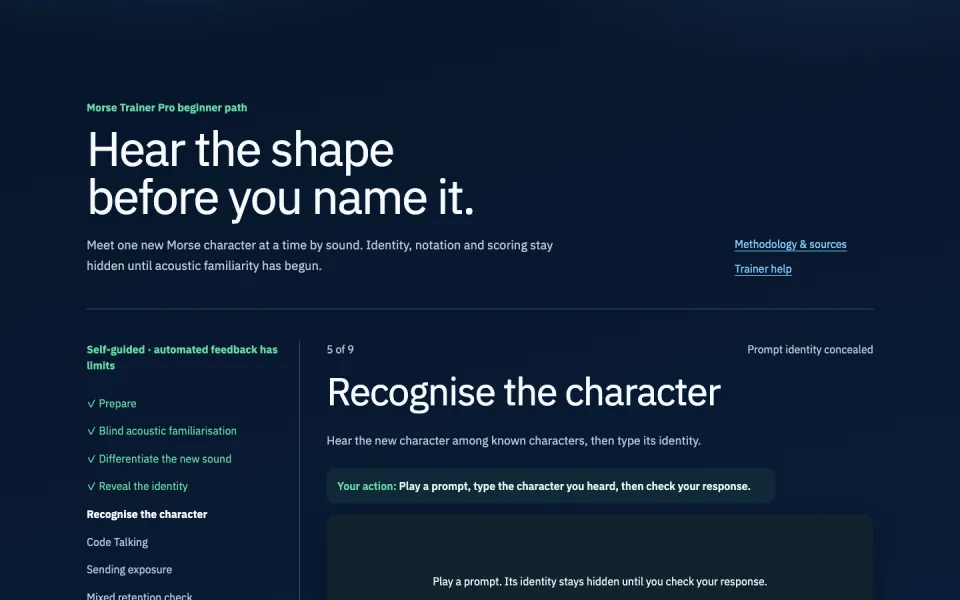
Recognise characters, copy words and build your listening confidence.
Start with characters All receiving trainers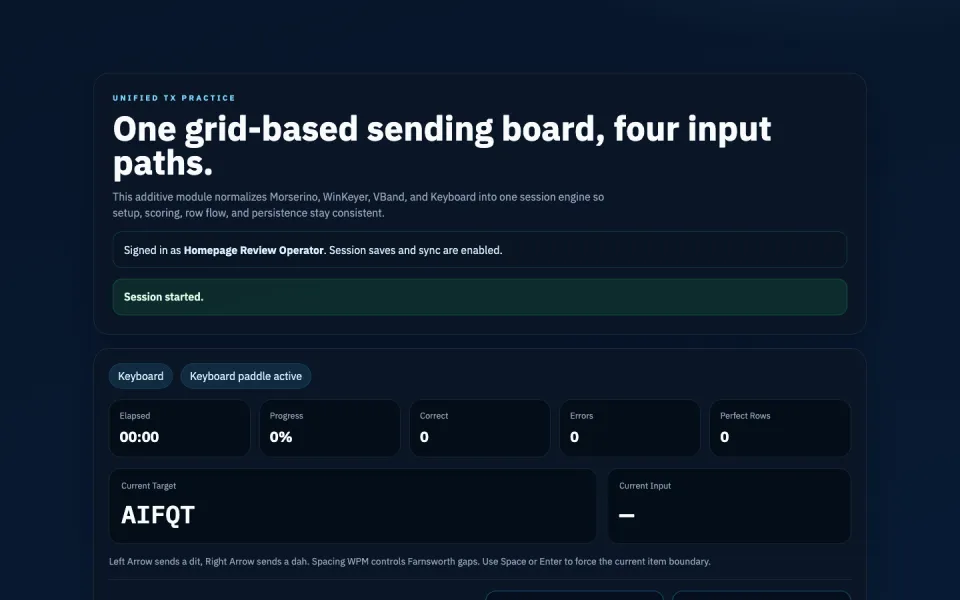
Work on your timing and rehearse a conversation, using the input you know.
Practise sending All sending and operating trainers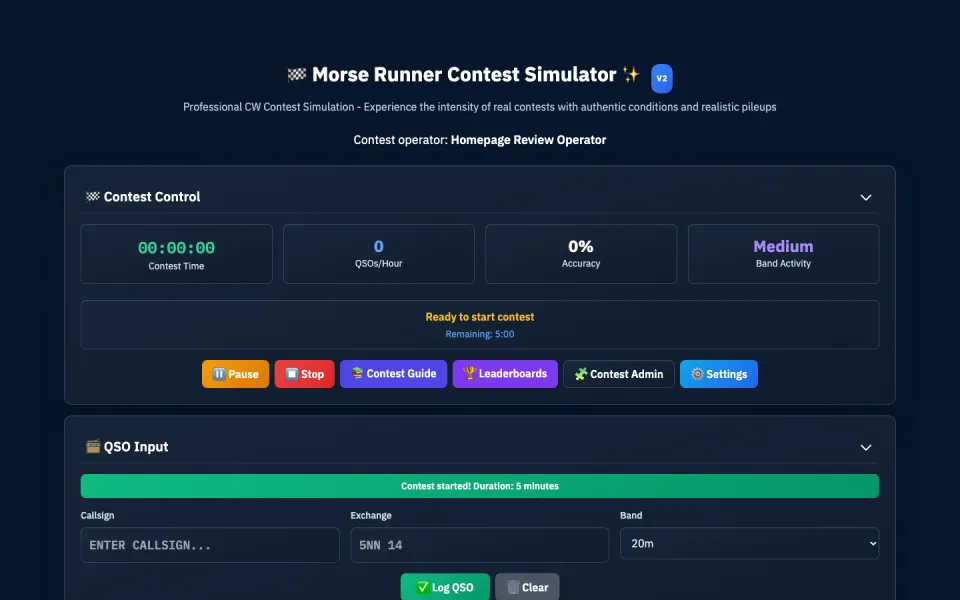
Practise callsigns, exchanges and the decisions you make under pressure.
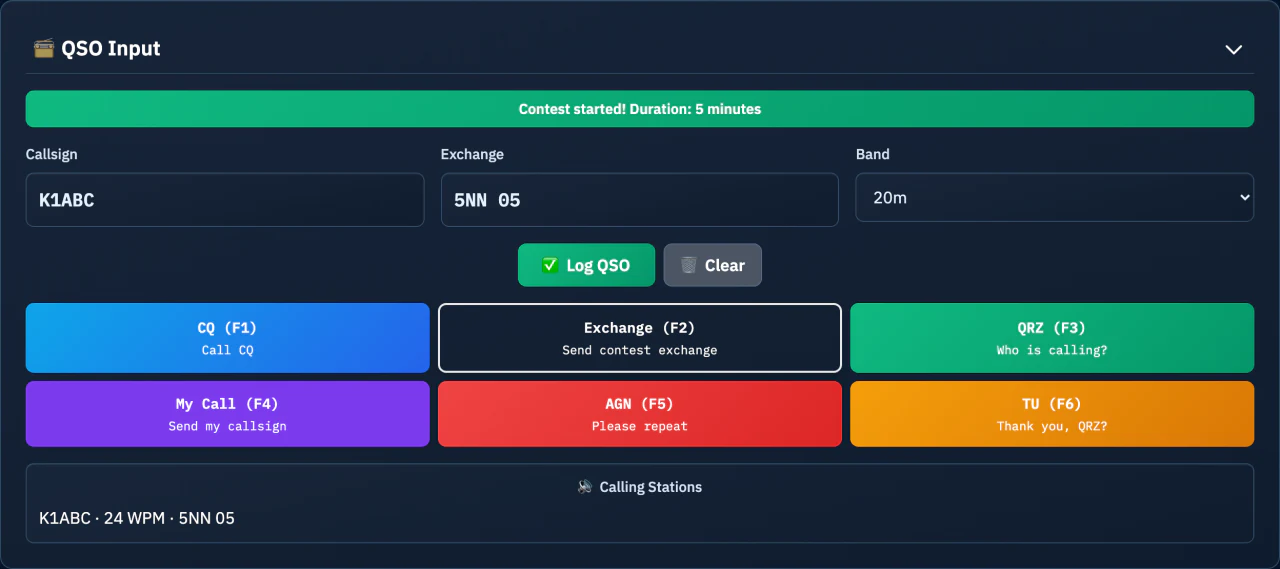
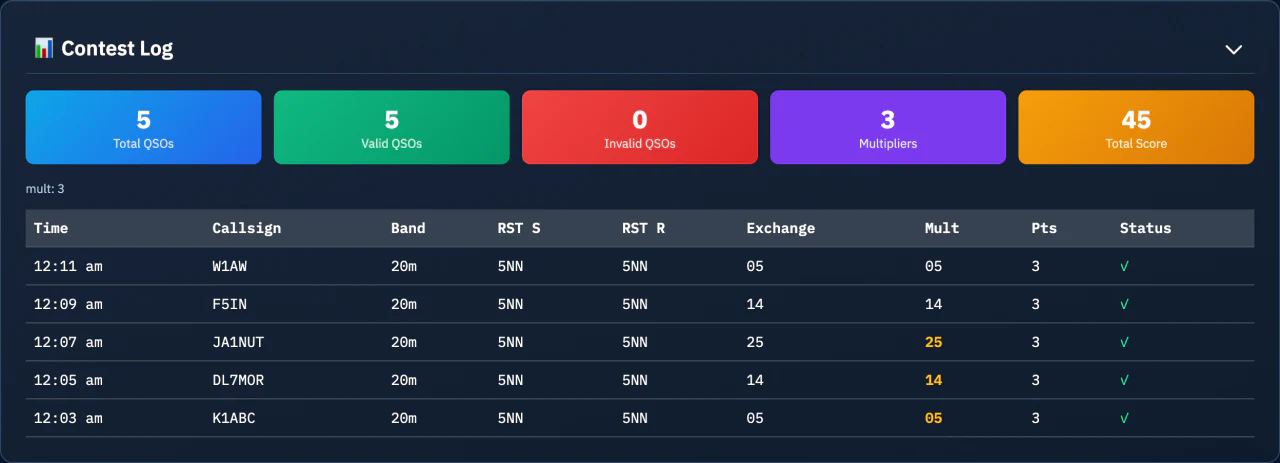
Open Morse Runner v2 All contest trainers · PremiumCopy the call. Catch the exchange. Keep your rhythm as the band gets busy.
Morse Runner v2 puts callsigns, exchanges and a contest log into one focused simulation.
Explore Morse Runner v2Premium trainer. Try the Classic guest preview.
A book to listen to. A game to return to. A faster callsign to catch.
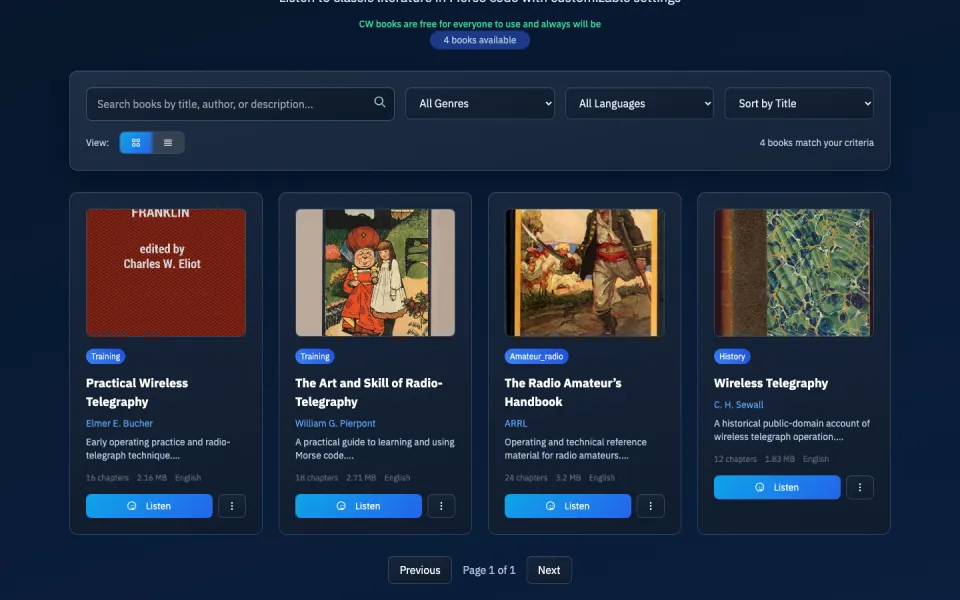
Follow books in Morse and settle into sustained listening practice.
Browse CW Books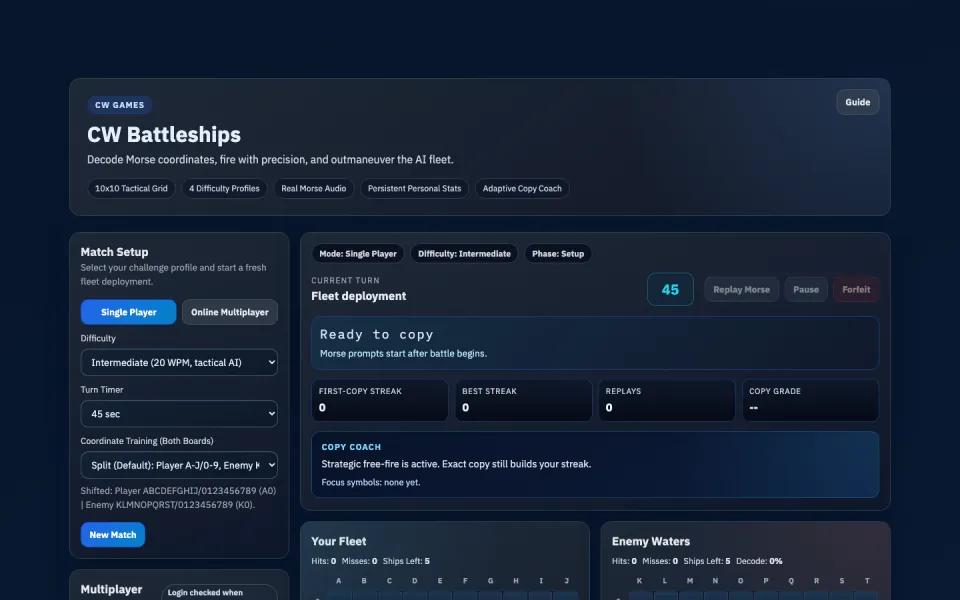
Turn Morse recognition into a game of coordinates and strategy.
Play CW BattleshipsFree account
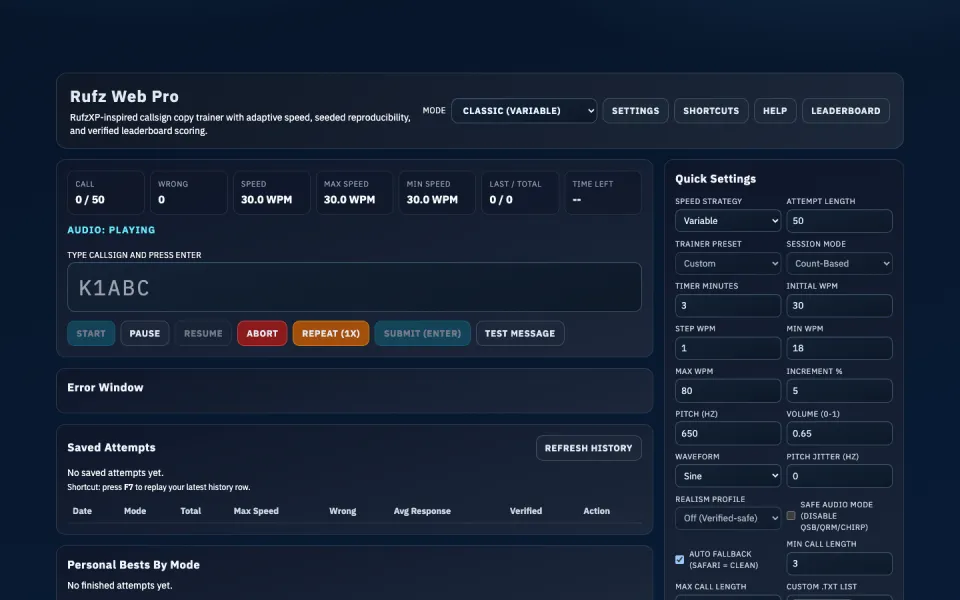
Build high-speed callsign recognition with adaptive Rufz practice.
Open Rufz Web ProPremium
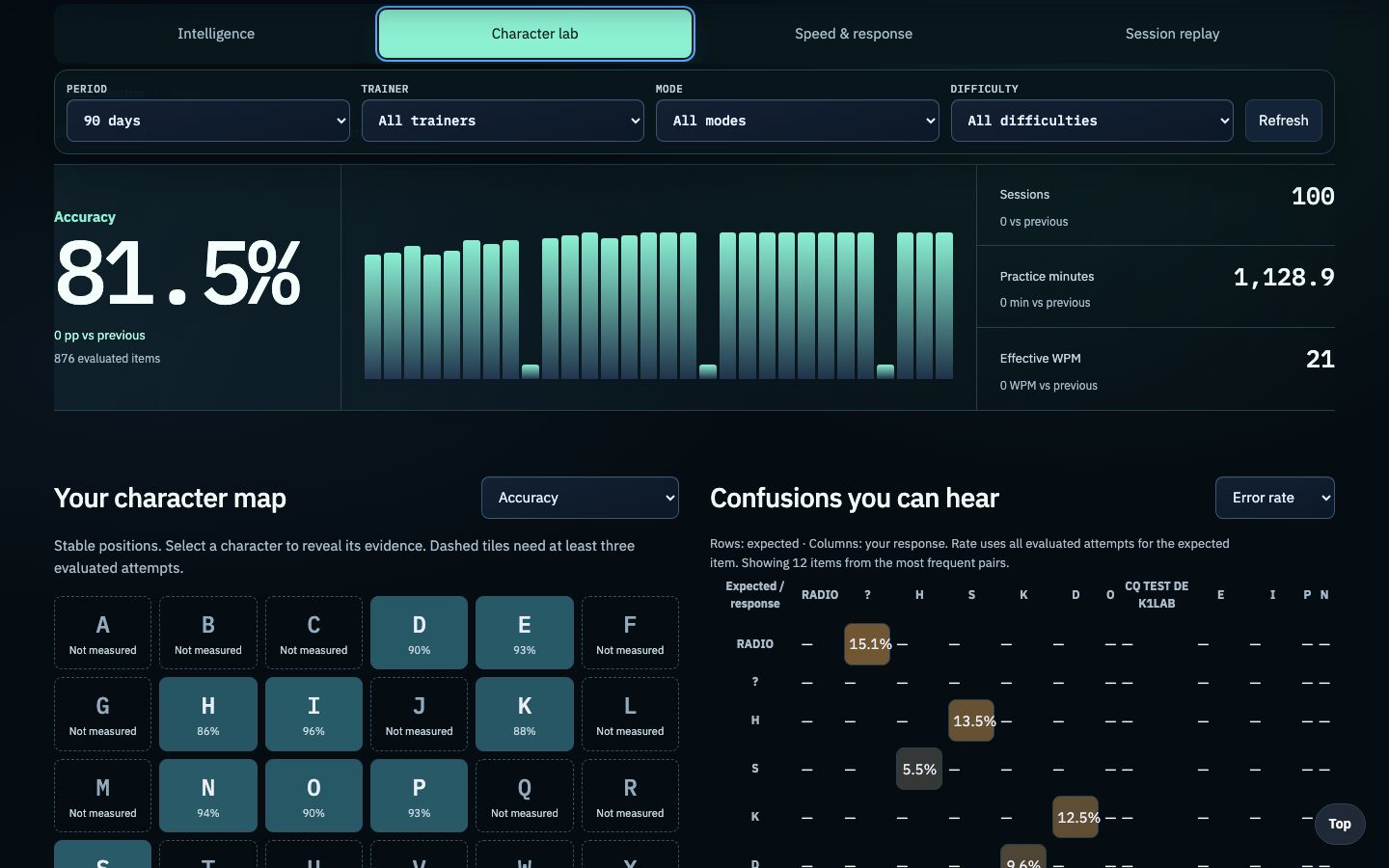
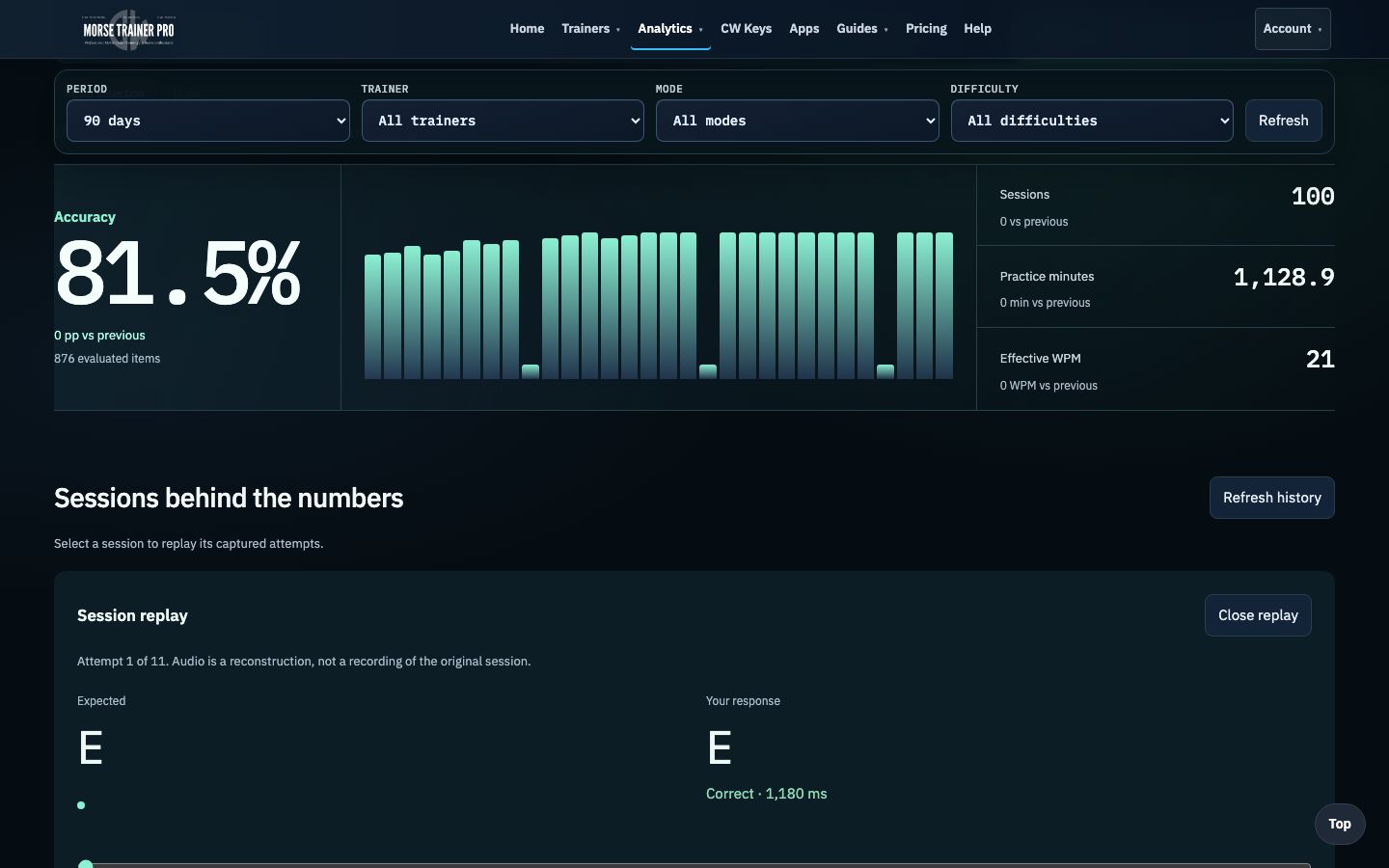
Screenshots show real trainer interfaces with example practice data. Open a trainer to explore its current layout.
Premium · Training Intelligence
Turn every supported session into a connected training record. Follow progress, catch character confusions, inspect hesitation, and replay the attempts behind the score.
Premium analysis for supported training sessions. Your results remain separated by measurement type.
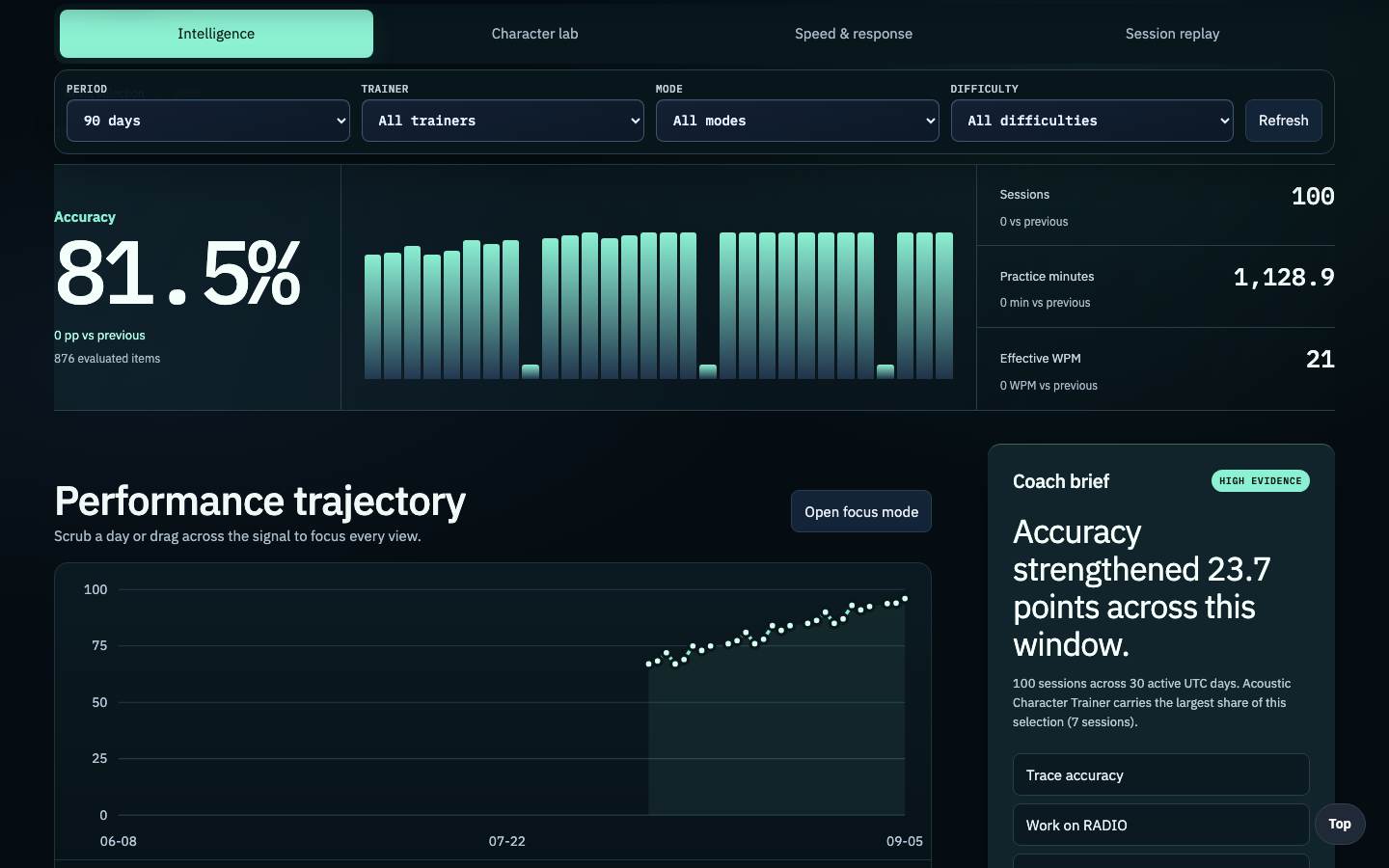
See the trajectory and the coaching signal behind the headline numbers.
Real product screens with privacy-safe illustrative practice data.
Created by Oliver Bross, OM0RX. Morse Trainer Pro brings learning, sending and practical operating into one place.
Meet the projectPractical guidance for learning, sending, choosing equipment, and making the next contact.
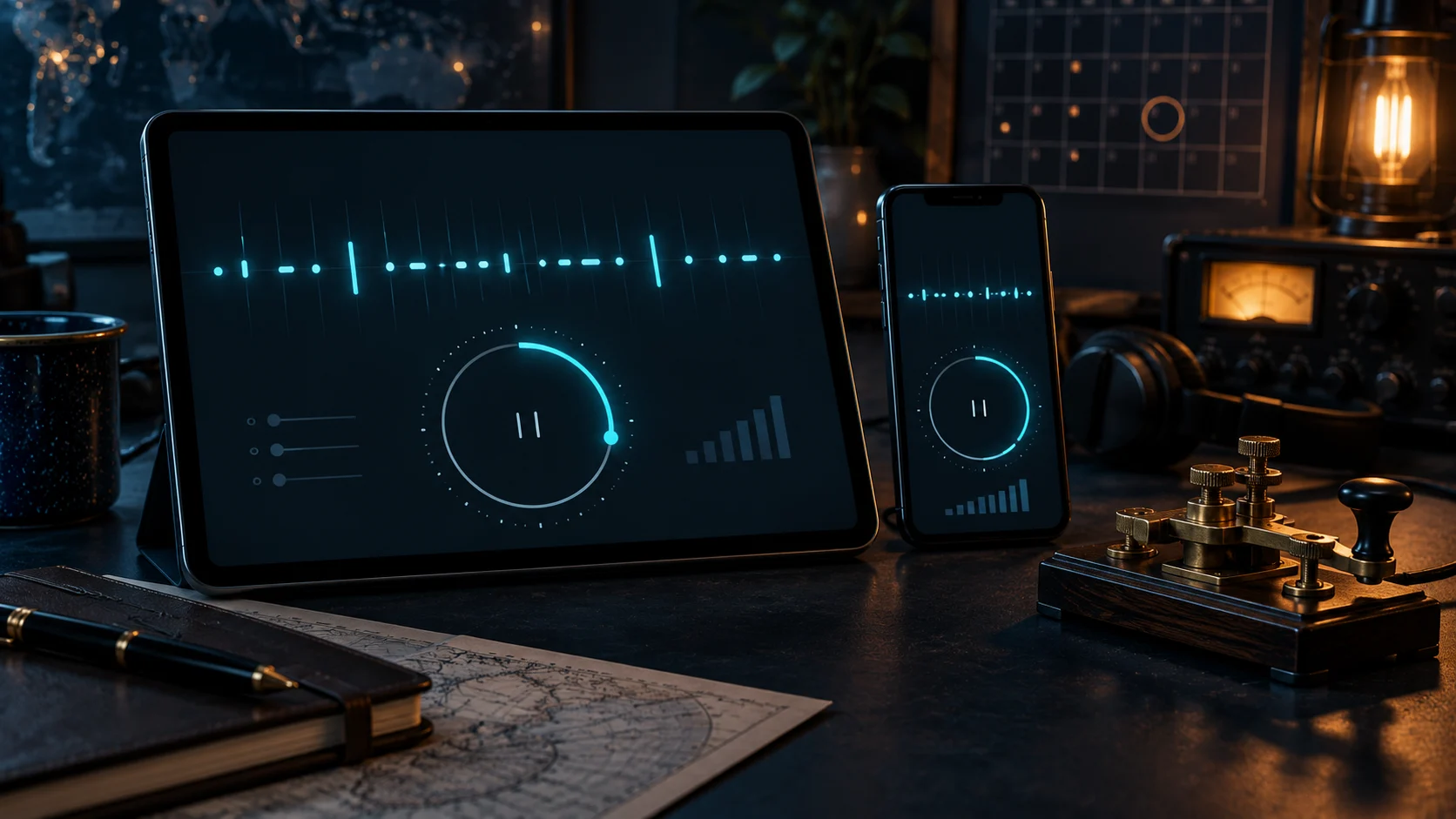
Version 1.3.4 brings the cross-trainer Practice Timer to iPhone and iPad, adds saved Morse Machine controls and clearer answer pacing, and strengthens Premium, progress, and statistics sync.
Read article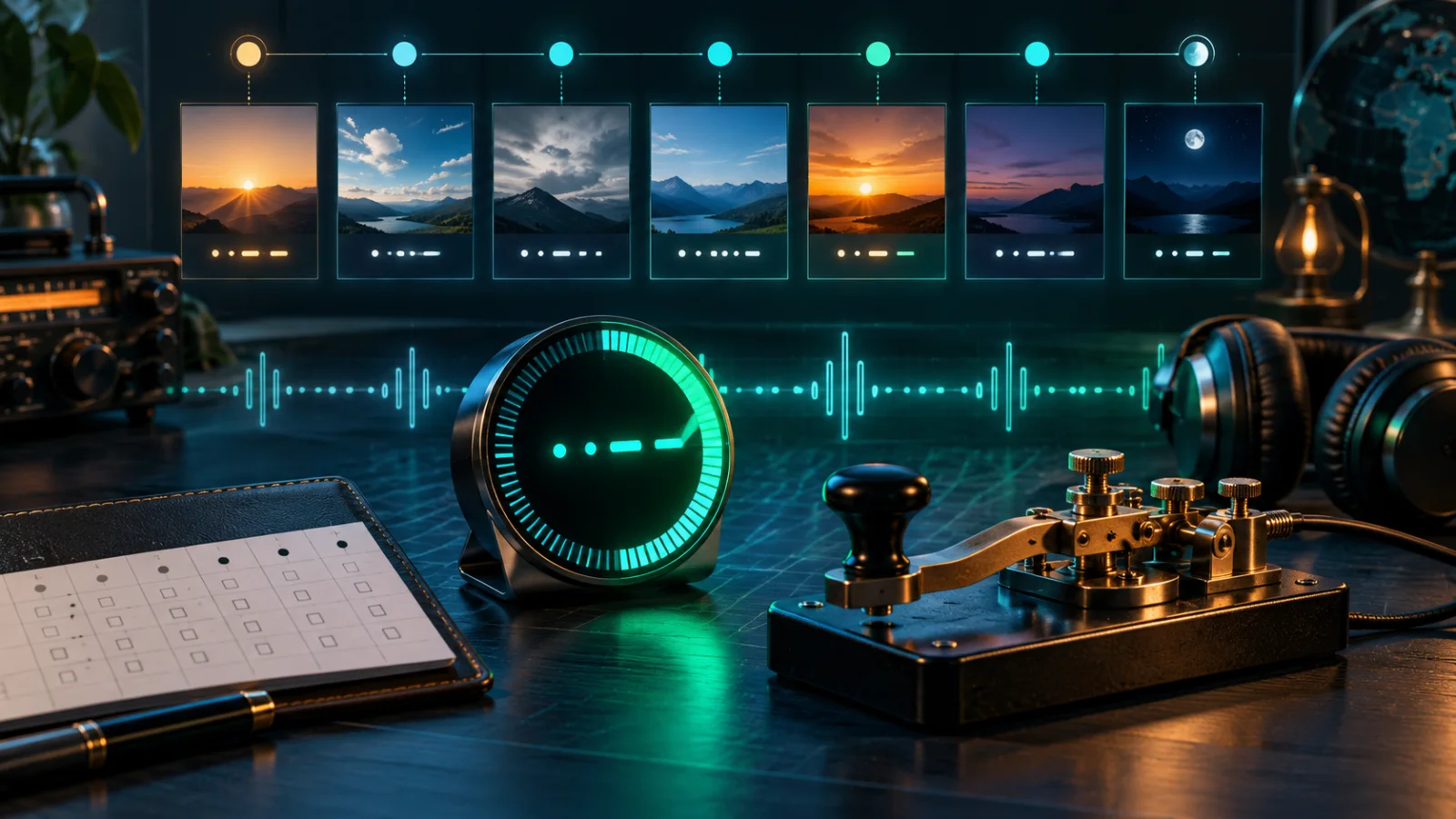
Plan realistic Morse practice blocks, carry one timer between trainers, and compare your plan with verified sessions in the new My Practice Week calendar.
Read article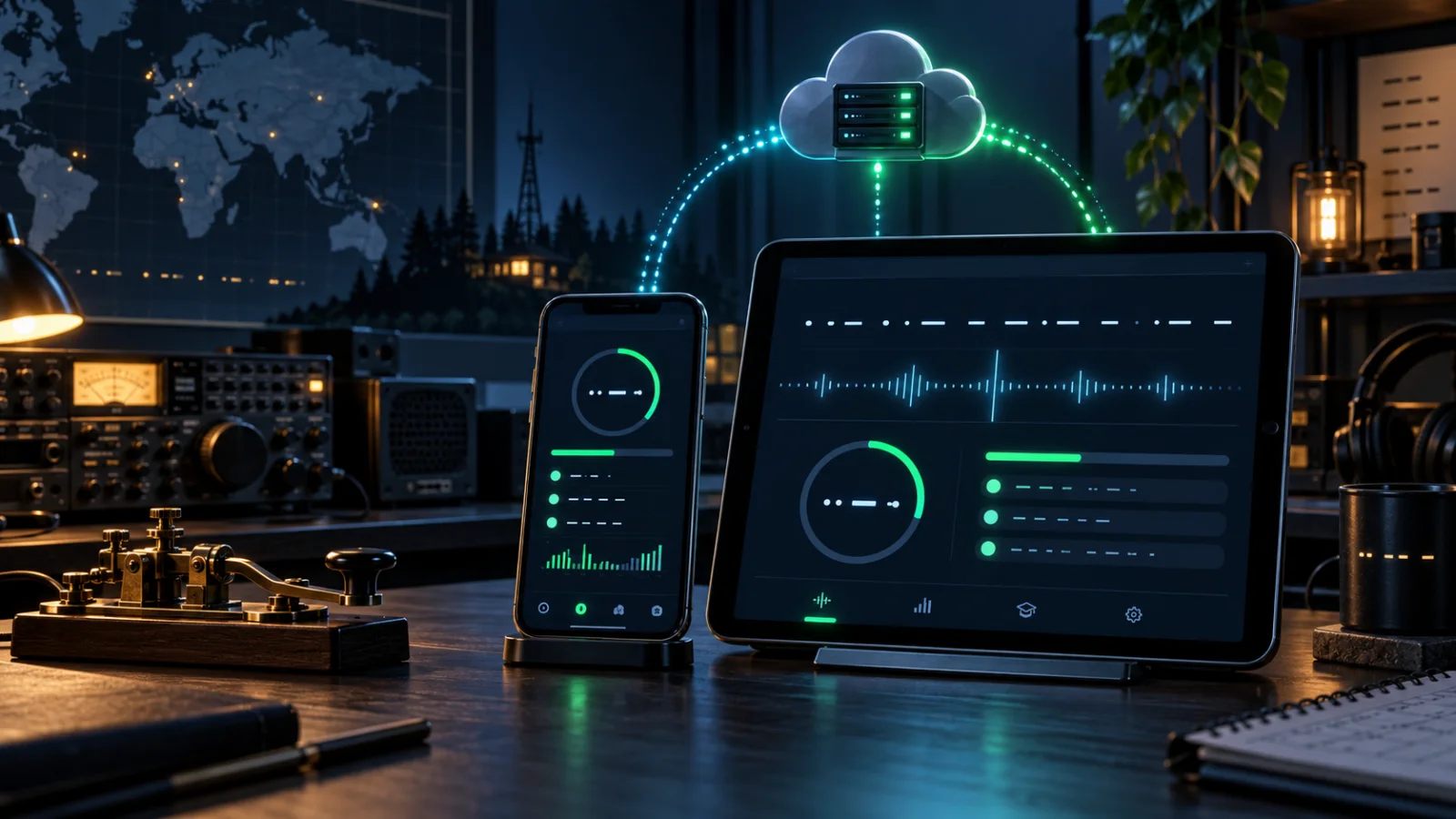
A behind-the-scenes look at the entitlement, progress-sync, canonical analytics, and Morse Machine repairs now live across Morse Trainer Pro for iPad, iPhone, and the web.
Read articlePrefer a searchable view? Open the trainer library. Every existing route is also listed below.
Acoustic Character TrainerFree
 Morse MachineFree
 Code Group TrainingFree
 CW Echo TrainerFree
 CW SpeechFree
 CW SentencesFree account
 CW WordsFree account
 CW StoriesFree account
 CW Message CopyFree account
 Head Copy LabFree account
 Callsign TrainingFree account
 CodeSnap TrainerFree account
 CW BooksFree
 CW Background TrainingFree account
 List StudioFree account