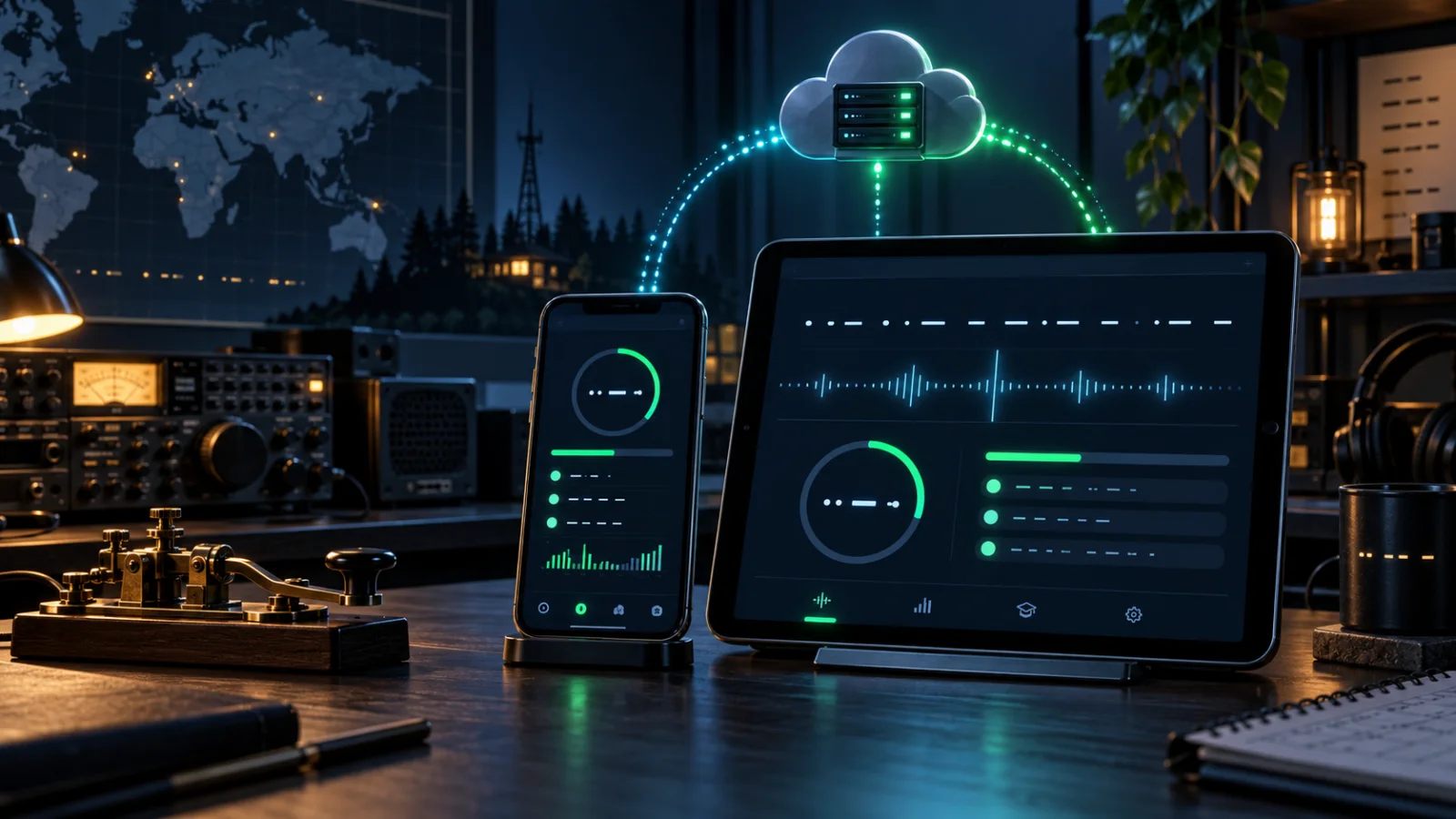
iPad & iPhone Sync Repairs: Premium and Progress Fixed
The recent Premium-account and Progress Sync problems reported on iPad, iPhone, and the website were connected symptoms of the same broader issue: different parts of the system were not always reading and repairing account data in the same way. The latest work brings those paths back together.
The important part for operators is simple: you do not need to recreate your account, abandon your existing training history, or manually enter sessions again. The repaired services are designed to preserve valid evidence, recover older queued records, and show the same entitlement state across devices.
What operators were seeing
Several reports helped isolate the faults. An iPad or iPhone could correctly show an active Premium subscription while the website's Subscription Details panel still said “Free Plan.” On mobile, opening Progress Sync could show an “Oops! Something went wrong” screen or leave sessions waiting for review. A web Morse Machine session could also finish normally and then briefly report that its statistics could not be saved.
Those clues pointed away from a single screen-layout problem and toward the shared account, sync, and analytics contracts behind the screens.
One authoritative Premium status
The website account page previously had two ways to describe the same subscription. The summary used the current entitlement service, while the detailed subscription panel could fall back to older plan data. That is how one page could say both Premium and Free.
Subscription details now use the same authoritative entitlement state as the rest of Morse Trainer Pro. Whether access comes from an active subscription or an eligible partner benefit, the page presents the effective access level consistently.
Safer recovery for older mobile sessions
Some training records created by earlier app versions contained attempt details or totals that no longer matched the stricter canonical API contract. Repeatedly resending the same unchanged payload could never succeed, which is why a queue could remain stuck after signing out and back in.
The mobile sync path now repairs legacy records before retrying. It removes unusable attempt rows, keeps valid attempts, normalises non-negative totals, and raises the reported item count when the surviving evidence proves a larger truthful minimum. A repair marker is retained in the metadata so the recovery remains auditable.
The server applies the same compatibility rules. This matters because recovery should not depend on one particular device build: the API can accept an older, repairable mobile record without relaxing validation for genuinely invalid data.
Canonical progress across the website and apps
The analytics query path has also been corrected so canonical sessions uploaded from mobile are included when the website builds progress summaries. This is the bridge between “the upload succeeded” and “I can actually see the result in Statistics.”
At the same time, duplicate wrapper events are not counted as extra practice. Morse Trainer Pro continues to treat the completed trainer session as the source of truth, which keeps session counts and practice time credible.
Fresh Morse Machine evidence for every session
The web Morse Machine now resets its session evidence cleanly when a new exercise begins. Answers from a completed run cannot bleed into the next save request, reducing false validation failures and keeping each result self-contained.
What to do on your devices
- Sign out of Morse Trainer Pro on the iPad, iPhone, and website.
- Sign back in with the same account on each device.
- Open Progress Sync in the app and use Retry if any sessions still need attention.
- Complete a short training session, then check Statistics Studio on the website.
If a record genuinely needs review, the app keeps it visible rather than claiming that it synced. That honesty is intentional: a clear pending item is safer than silently losing or inflating training evidence.
API repair, not an account reset
These fixes span the app's durable retry logic and the live web APIs. For most affected users, the existing app and account can recover after a fresh sign-in and retry. The repair does not require creating a replacement account.
We are grateful to the operators who sent screenshots and tested each stage. Reports that compare the iPad, iPhone, and website are especially useful because they reveal disagreements that one screen alone cannot show.