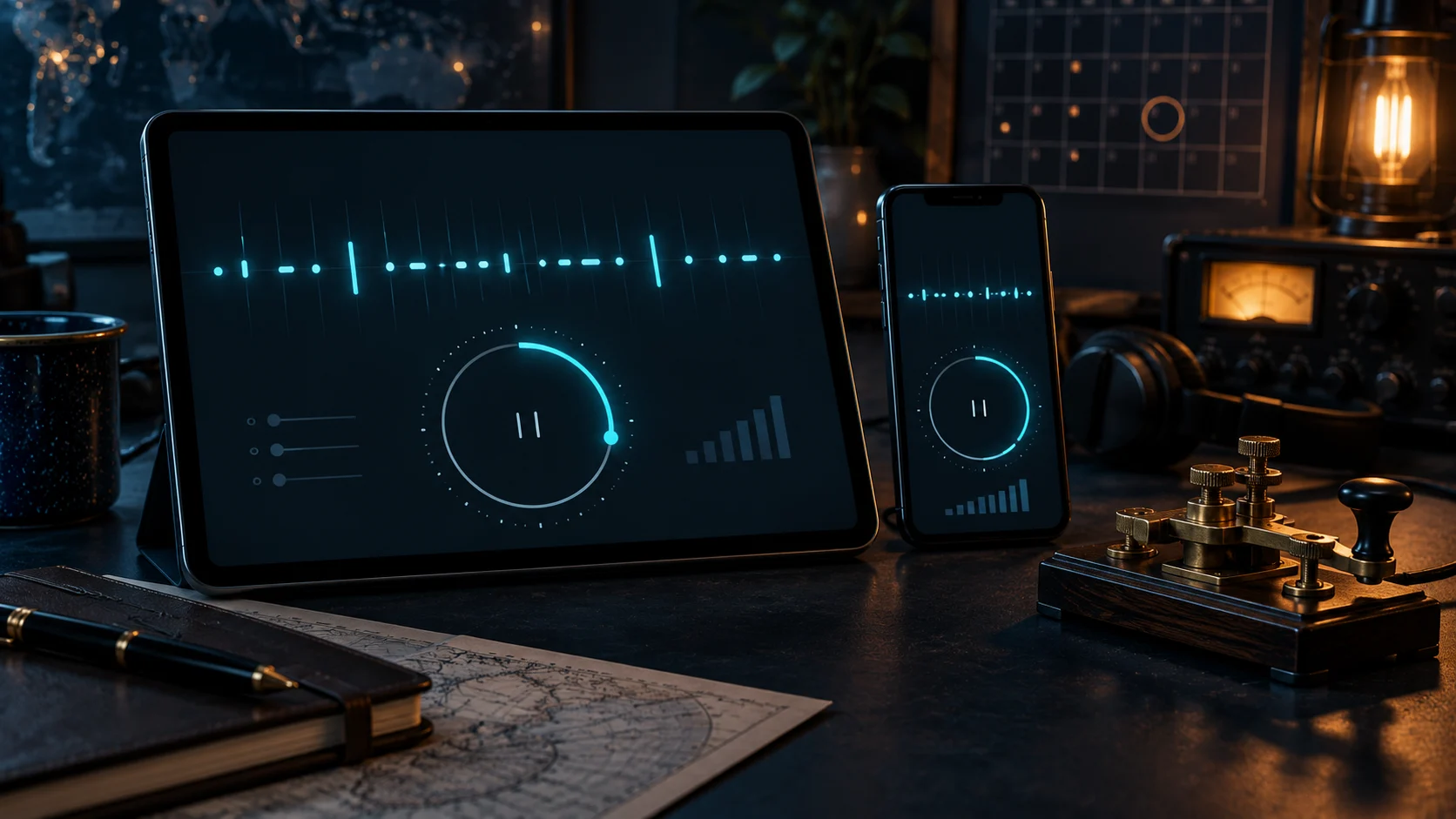
Morse Trainer Pro 1.3.4: Practice Timer, Clearer Pacing, and Reliable Sync
Morse Trainer Pro 1.3.4 has been submitted to Apple for review. The update brings the new Practice Timer to iPhone and iPad, makes Morse Machine sessions easier to resume, adds a deliberate gap between answers and the next character, and strengthens the services that keep Premium access and training evidence consistent across mobile and web.
Automatic release is enabled, so version 1.3.4 will become available as soon as Apple approves it. The related website and API improvements are already live.
One timer across your trainers
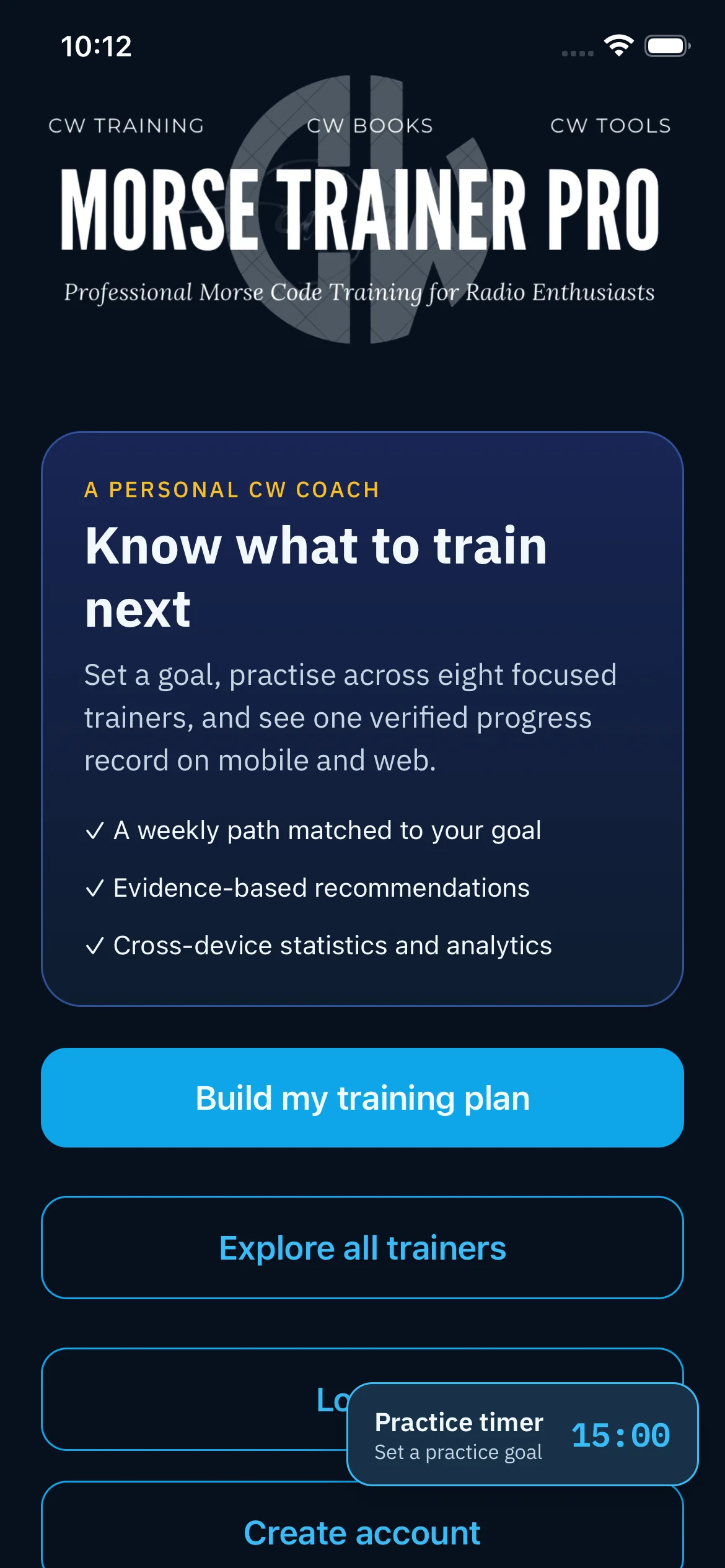
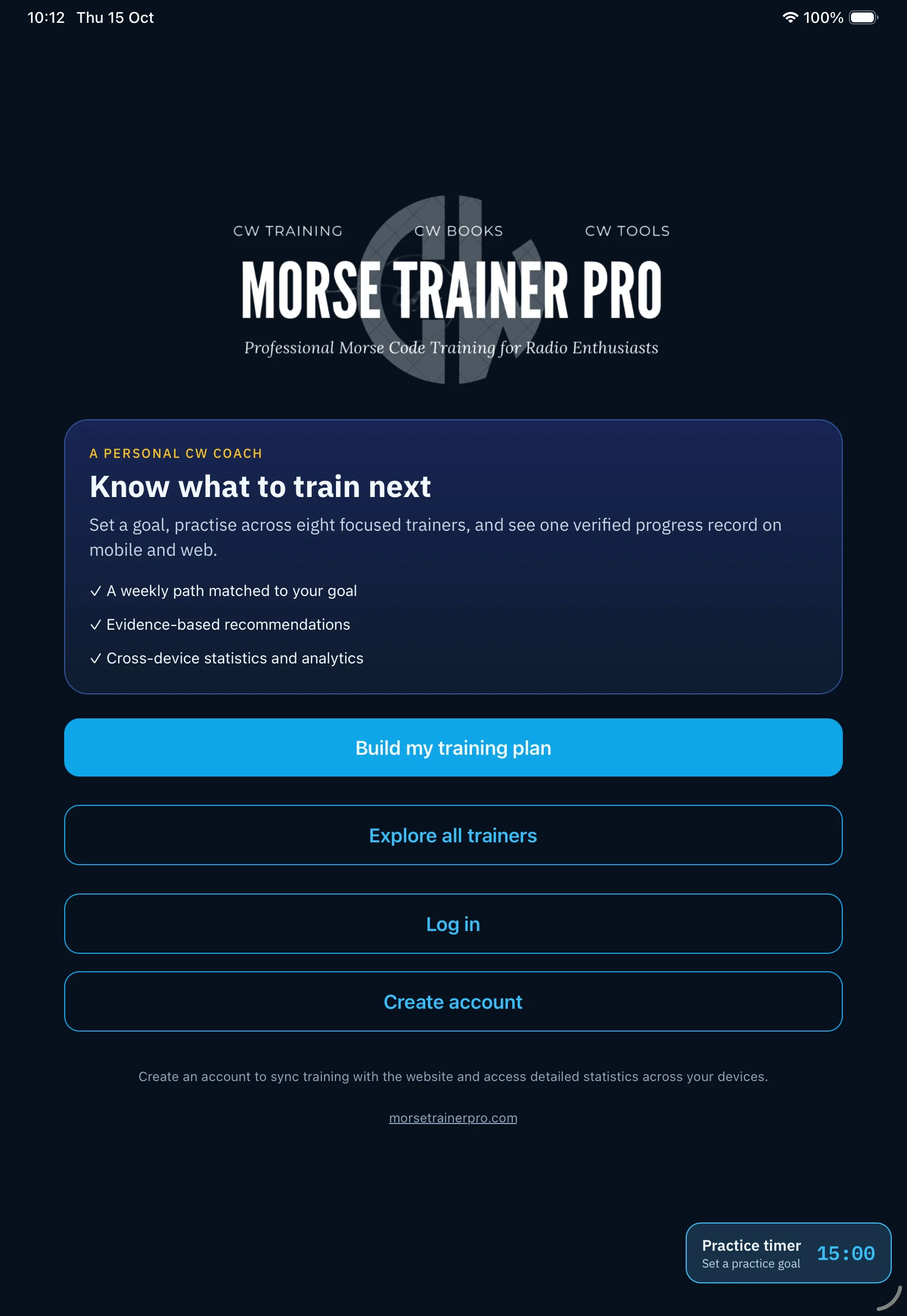
The Practice Timer now lives at app level instead of belonging to one trainer. Choose 5, 10, 15, or 25 minutes, or enter a custom whole-minute duration from 1 to 240 minutes. Start the timer once and move naturally between supported training tools.
The important detail is what the timer does not count. Opening a trainer, changing settings, or browsing the app does not consume the practice block. The countdown advances only while a genuine training session is active, pauses when training pauses, and resumes when active practice continues.
Morse Machine remembers how you train
Morse Machine settings now persist between visits, including the character set, lesson or custom mode, active characters, speed, pitch, volume, error buzzer, screen-reader feedback, and SRS preference. Leaving the trainer no longer means rebuilding the same setup next time.
SRS controls are also clearer. In-context guidance explains what each mode changes, while review-item controls make it possible to inspect, remove, or reset queued material without guessing where that state is stored.
A clearer beat between answer and next sound
Fast keyboard practice exposed a subtle listening problem: the next Morse character could begin so quickly after a keypress that its opening sound felt like feedback for the answer just entered. Version 1.3.4 adds a separately adjustable next-character delay, giving the ear a clean boundary without slowing the Morse character itself.
The existing one-second startup delay remains in place because it solves a different problem—preventing the first character from being clipped while the audio path starts. Keeping startup protection and answer pacing separate makes both behaviours easier to tune.
Stronger reinforcement after a mistake
Incorrect-answer practice on iPhone and iPad now follows the useful web behaviour more closely: the app can sound the error cue and require the correct character before moving on. That short correction loop reinforces the right association instead of immediately replacing it with a new sound.
More reliable Premium, progress, and statistics
This release also carries forward the recent account and API repairs. Premium entitlement reconciliation now uses the authoritative subscription state, older queued sessions can be repaired before retry, and canonical mobile sessions are included in website progress summaries. Statistics-save recovery has been tightened so a completed training session is less likely to end with an unexplained save error.
No account recreation is required. Sign in with the same Morse Trainer Pro account on the website, iPhone, and iPad. If an older session still needs attention, open Progress Sync and retry it after updating.
What is available now?
- Website: Practice Timer, custom durations, active-session detection, the training calendar, updated Morse Machine controls, and the API repairs are live.
- iPhone and iPad: version 1.3.4 is waiting for Apple review and is configured for automatic release after approval.
- Your evidence: trainer-completed sessions remain the source of truth; starting a timer alone never invents practice statistics.
Continue your CW practice
- Explore Morse Trainer Pro apps
- Open Morse Machine on the web
- Review your training calendar and statistics
- Learn how the Practice Timer and calendar work together
Thank you to the operators who compared the same workflows across the website, iPhone, and iPad. Those side-by-side reports are exactly what helped turn several apparently separate symptoms into one coordinated release.